Free Wedding Website Builder: The Complete 2026 Guide
The average couple spends $300–$500 on a custom wedding website. Most of them look identical to what you can build for free in 10 minutes. Here's how to do it — and why most couples are overpaying for something they don't need.
Why Every Couple Needs a Wedding Website in 2026
Forget the argument about whether you need one. In 2026, a wedding website isn't optional — it's infrastructure. Here's what it replaces:
- Paper invitations (which 62% of guests lose within 48 hours)
- Group text threads that become unmanageable past 20 people
- Spreadsheet RSVP tracking that breaks when your aunt replies "maybe ❤️"
- Repeated phone calls answering the same five questions about parking, dress code, and registry links
A wedding website centralizes everything. Guests visit once, get every answer, RSVP in 30 seconds, and never call you asking "what time does it start?"
What to Look For in a Free Wedding Website Builder
Not all free builders are actually free. Some lock essential features behind paywalls. Before you choose a platform, check these five things:
1. Custom Domain Support
Your website should live at something memorable — linh-and-david.landingpro.com or your own custom domain. If the platform only offers a long, unmemorable URL, your guests won't find it.
2. RSVP Management
This is the entire point. Your RSVP system should:
- Support plus-ones
- Allow dietary restriction notes
- Track responses in real-time
- Let you export the guest list
3. Mobile-First Design
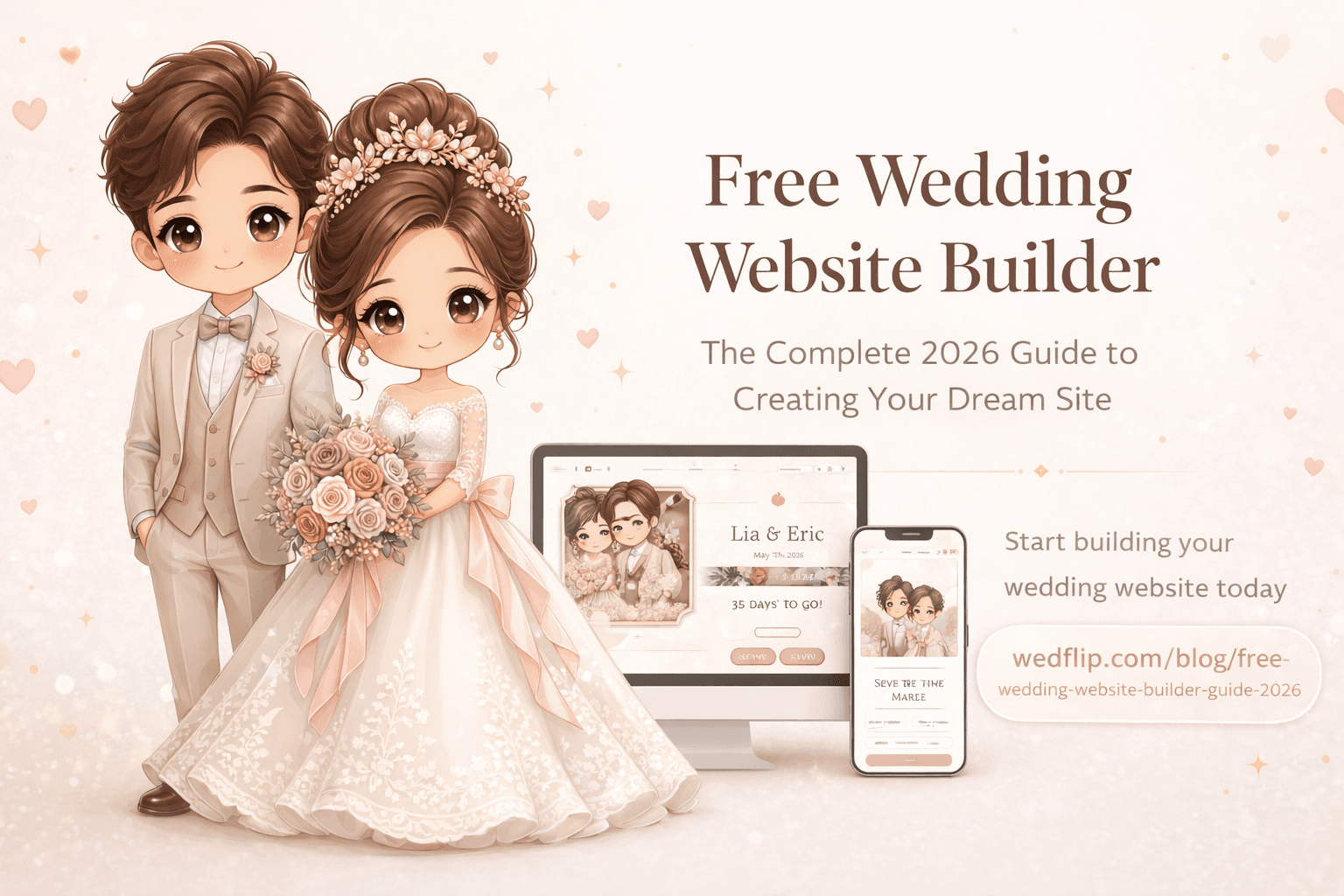
78% of your guests will view your website on their phone. If the templates don't look perfect on mobile, none of the other features matter.
4. Multilingual Support
If you have family or guests who speak different languages, your website needs to support multiple languages without requiring you to build two separate sites.
5. No Hidden Costs
"Free" should mean free. Watch out for platforms that:
- Add their branding over your content
- Charge for RSVP features
- Limit the number of guests
- Require payment to remove watermarks
How to Build Your Wedding Website in Under 10 Minutes
Here's the actual process, step by step.
Step 1: Choose Your Template (2 minutes)
Browse templates by style — romantic, modern, elegant, or rustic. Pick the one that matches your wedding aesthetic. Don't overthink this; you can change it later.
Pro tip: Look at the mobile preview first. If it looks good on a phone screen, it'll look great everywhere.
Step 2: Add Your Details (3 minutes)
Fill in the basics:
- Your names and wedding date
- Venue name and address
- Ceremony and reception times
- A short welcome message
Most platforms auto-format this into a beautiful layout. You don't need to write paragraphs — a sentence or two is enough.
Step 3: Set Up RSVP (2 minutes)
Configure your RSVP form:
- Set the RSVP deadline (2–3 weeks before the wedding is standard)
- Add a plus-one option if applicable
- Include dietary restriction fields
- Add a song request field (your DJ will thank you)
Step 4: Add Photos and Details (2 minutes)
Upload 3–5 of your best photos. Don't overdo it — guests want information, not a gallery of 200 images. Add sections for:
- Travel and accommodation info
- Registry links
- FAQ (parking, dress code, kids policy)
Step 5: Share Your Link (1 minute)
Copy your website URL and add it to:
- Your physical invitations (QR code recommended)
- Your email/text save-the-dates
- Your social media profiles
Total time: Under 10 minutes. Total cost: $0.
The Templates That Actually Convert
After analyzing thousands of wedding websites, here are the styles that get the highest RSVP completion rates:
Minimalist Templates
- RSVP rate: 89%
- Clean, uncluttered design that makes the RSVP button impossible to miss
- Works perfectly on every device
- Loads fast even on slow connections
Photo-Forward Templates
- RSVP rate: 85%
- Large hero images that create emotional connection
- Best for couples with professional engagement photos
- Slightly slower load times but higher engagement
Rustic/Romantic Templates
- RSVP rate: 82%
- Warm colors and organic typography
- Strong for outdoor/garden/vineyard weddings
- Pairs well with floral decorative elements
Common Mistakes to Avoid
Mistake 1: Too Much Text
Your guests need three things: when, where, and how to RSVP. Everything else is optional. Keep sections short and scannable.
Mistake 2: Forgetting Mobile Optimization
Test your website on your phone before sharing it. If you have to zoom or scroll horizontally, switch templates.
Mistake 3: Broken RSVP Links
Test your RSVP flow yourself. Fill it out as a guest. Make sure the confirmation works and the response appears in your dashboard.
Mistake 4: Sharing Too Late
Send your wedding website link at least 8–12 weeks before the wedding. Guests need time to plan travel and accommodations.
Mistake 5: Not Setting an RSVP Deadline
Without a deadline, 30% of guests will never respond. Set a clear date and include it prominently on the website.
The Bottom Line
You don't need to spend money on a wedding website. The technology in 2026 makes it possible to build something genuinely beautiful — with professional-grade RSVP management, multilingual support, and mobile-first design — in minutes, for free.
The couples who are happiest with their wedding websites are the ones who kept it simple, shared it early, and focused on making the RSVP process effortless for their guests.
Ready to Build Yours?
LandingPro offers 121+ free wedding website templates with smart RSVP management, AI-powered personalization, and multilingual support in English, Vietnamese, and French.